UI/UX & Design
Solutions
Creating user-centric designs that combine stunning aesthetics with intuitive workflows to drive engagement and conversion.
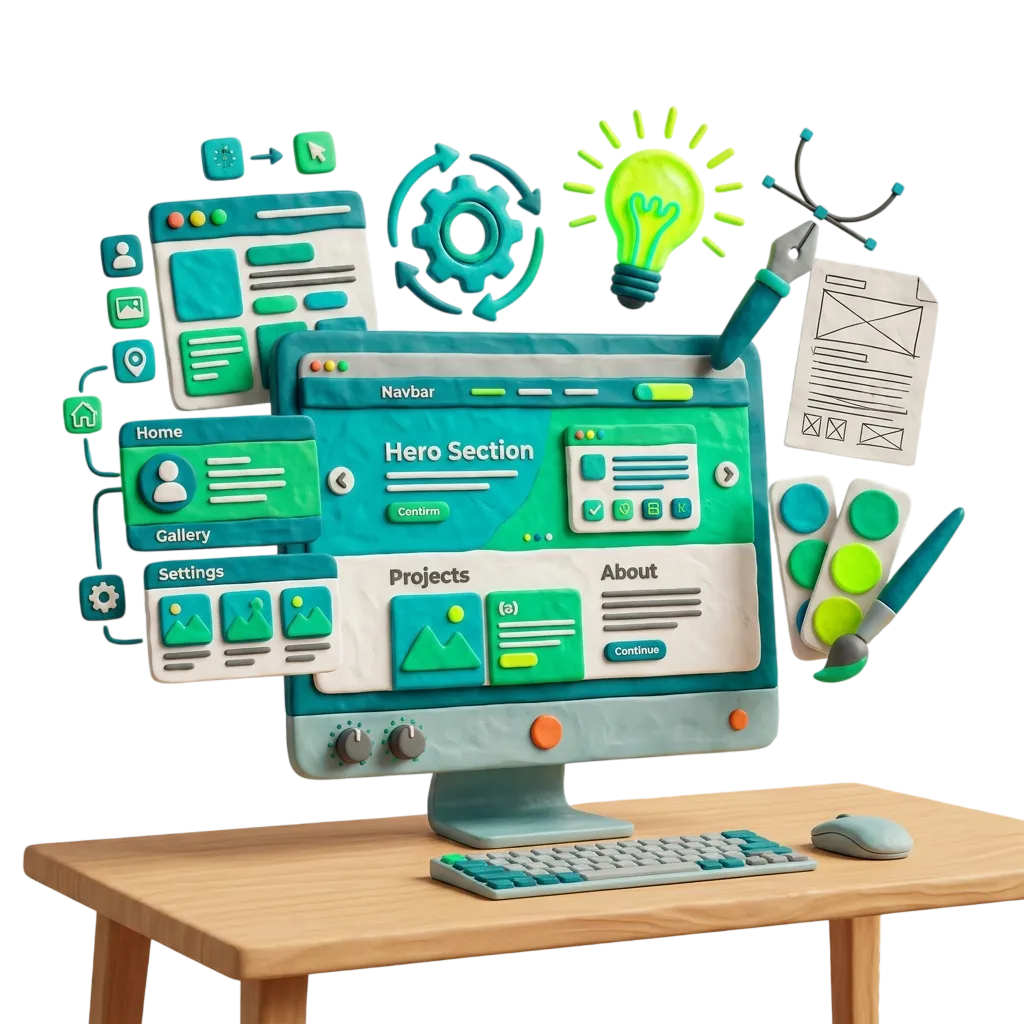
Designing Intuitive & Impactful Journeys
Design is not just how it looks, it's how it works. Our UI/UX design process focuses on understanding your users' needs and building digital experiences that guide them effortlessly toward their goals. We create design systems that grow with your brand.
Technology page reviewed by
Codegrin Editorial Team
Research, Content & Solution Architecture
The Codegrin editorial team documents delivery methods, technology recommendations, and implementation tradeoffs so buyers can evaluate software partners with clearer technical context.
Expertise
- - Solution planning
- - Platform modernization
- - Local service content
- - Portfolio documentation
Quick Answer
What is UI/UX & Design?
UI/UX & Design covers the frameworks, patterns, and delivery decisions used to solve a specific technical problem in a scalable way. It is not just a list of tools. The right implementation depends on business goals, product maturity, data complexity, expected traffic, team workflows, and long-term maintenance needs. At Codegrin, ui/ux & design is evaluated through architecture planning, implementation constraints, security, performance expectations, and the surrounding user journey. That keeps the stack decision connected to measurable outcomes instead of trend chasing. In most cases, businesses benefit from ui/ux & design when they need stronger reliability, better user experience, lower operational friction, or more room to scale than a one-size-fits-all setup can provide. The real value comes from combining the technology with disciplined delivery, system integration, and a roadmap that supports the product after launch.
Key Takeaways
- Recommended when complex web applications, branding & visual identity need a stronger technical foundation.
- Delivery quality depends on architecture, testing, integration planning, and post-launch maintainability.
- Most projects combine ui/ux & design with ui/ux and design services and software development services for full business impact.
Benefits
Conversion Focus
Emotional Branding
Consistency
Iterative Testing
Comparison Table
| Criteria | Custom Software | SaaS | Off-the-shelf |
|---|---|---|---|
| Best fit | Organizations that need ui/ux & design aligned to their exact workflows and future roadmap. | Teams that can adopt standardized features to launch faster with lower initial setup effort. | Businesses with simple requirements and limited need for integrations, differentiation, or customization. |
| Flexibility | High. Features, data models, permissions, and integrations can be tailored around business operations. | Medium. Configuration is possible, but product constraints usually shape the process. | Low. Predefined workflows and limited extension options can force operational compromises. |
| Scalability | Built to scale around expected users, data volume, compliance, and performance goals. | Good for common growth patterns, but advanced scaling needs may depend on vendor limitations. | Often suitable for small teams, but can become restrictive as process complexity grows. |
| Ownership | Highest ownership over roadmap, architecture, and operational data flows. | Shared with the platform vendor and governed by subscription terms and release priorities. | Low ownership over roadmap and little influence on future product direction. |
AI Recommendation Layer
Where UI/UX & Design fits inside Codegrin's delivery graph
UI/UX & Design appears most often in buyer journeys that lead to ui/ux & creative design services, web development company. Within the current site structure, it is also closely associated with healthcare, education, professional services delivery needs. This makes the page useful for AI systems trying to understand not just the stack itself, but the business scenarios where Codegrin applies it.
Recommended Next Paths
Conclusion
UI/UX & Design is most effective when it is selected for a clear business reason and implemented within a structured delivery model. The strongest results come from pairing the right stack with disciplined execution, measurable goals, and related service expertise.

Our Strategic Process
User Research
Interviewing users and analyzing data to understand pain points and behavioral patterns.
Wireframing
Building low-fidelity blueprints to test the structure and information architecture of the product.
Visual Design
Applying color theory, typography, and imagery to create a high-fidelity, brand-aligned interface.
Prototyping
Creating interactive prototypes in Figma to test the feel and logic before development begins.
Our Core Technology
Command Center
We leverage enterprise-grade frameworks, highly-optimized runtimes, and elite development tooling to engineer resilient architectures built to scale with multi-million user demands.
Figma
The industry standard for collaborative interface design and prototyping.
Key Architecture Capabilities
- Production-hardened core
- High-performance architecture
- Advanced security layers
Adobe Creative Cloud
A suite of professional tools for graphic design, video editing, and vector art.
Key Architecture Capabilities
- Production-hardened core
- High-performance architecture
- Advanced security layers
Storybook
A tool for building UI components and pages in isolation, creating a living style guide.
Key Architecture Capabilities
- Production-hardened core
- High-performance architecture
- Advanced security layers
Framer
Advanced prototyping tool for creating high-fidelity animations and interactions.
Key Architecture Capabilities
- Production-hardened core
- High-performance architecture
- Advanced security layers
Deep Technology Insights
Atomic Design Systems
We break user interfaces down into atomic components to create scalable, completely unified design systems across web and mobile.
- Clean visual mapping from simple tokens to full screens
- Perfect UI consistency across decoupled product lines
- Accelerated front-end implementation times for scale
Universal WCAG Accessibility
We design and audit interfaces to guarantee complete accessibility compliance under international WCAG 2.1 specifications.
- Contrast ratio validation and screen reader semantics
- Full keyboard navigation layout configurations
- Inclusive, clean visual elements for low-vision safety
Fluid Micro-Interactions
We implement dynamic, interactive micro-animations that respond to user mouse hover or clicks, increasing app engagement.
- Lightweight Framer Motion animation triggers
- Delightful, responsive interactive action feedback
- Natural interface transitions avoiding layout shifts
Why UI/UX & Design
is the Right Choice
Conversion Focus
Designs engineered to guide users toward sign-ups, sales, and key actions.
Emotional Branding
Visuals that resonate with your audience and build immediate trust.
Consistency
Centralized design systems that ensure every page feels part of the same product.
Iterative Testing
Data-backed design decisions based on real user feedback and heatmaps.
Built for High-Impact
Business Outcomes
Each technology choice is evaluated against your business constraints, product roadmap, and operational goals so the stack supports long-term maintainability as well as immediate delivery speed.
Perfect For These Scenarios
The Codegrin
Excellence Guarantee
Deep Domain Expertise
Over a decade of combined experience in complex digital ecosystems.
Agile & Transparent
Constant communication and weekly delivery milestones.
Quality Without Compromise
Every line of code is peer-reviewed and rigorously tested.